Many people said that the number of views isn't important, but I hope you can refer to it if you're concerned. (In fact, I tend to care about it.) I'm sharing my thumbnail production tips based on what I've been thinking about while creating thumbnails in my recent project.
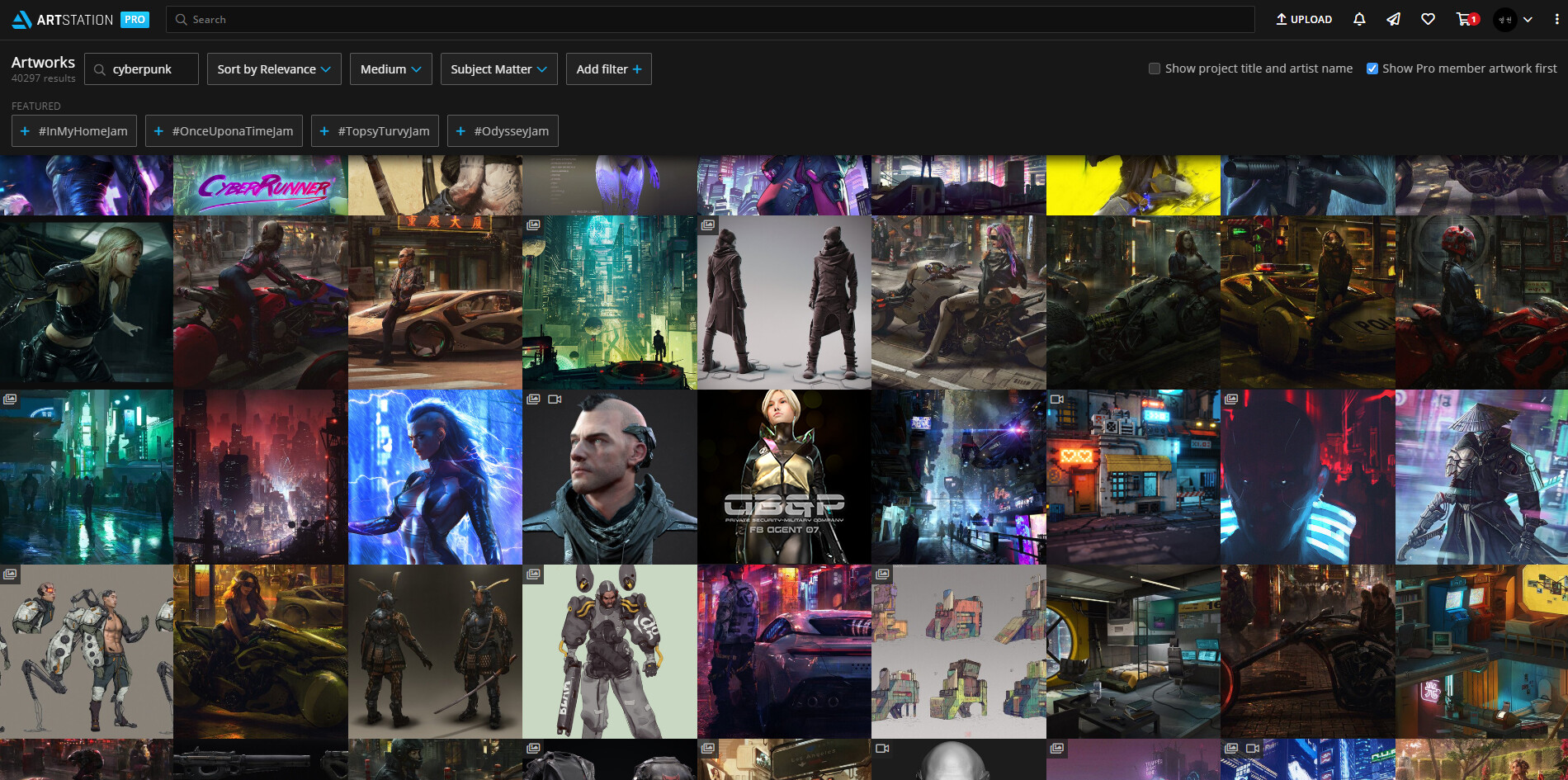
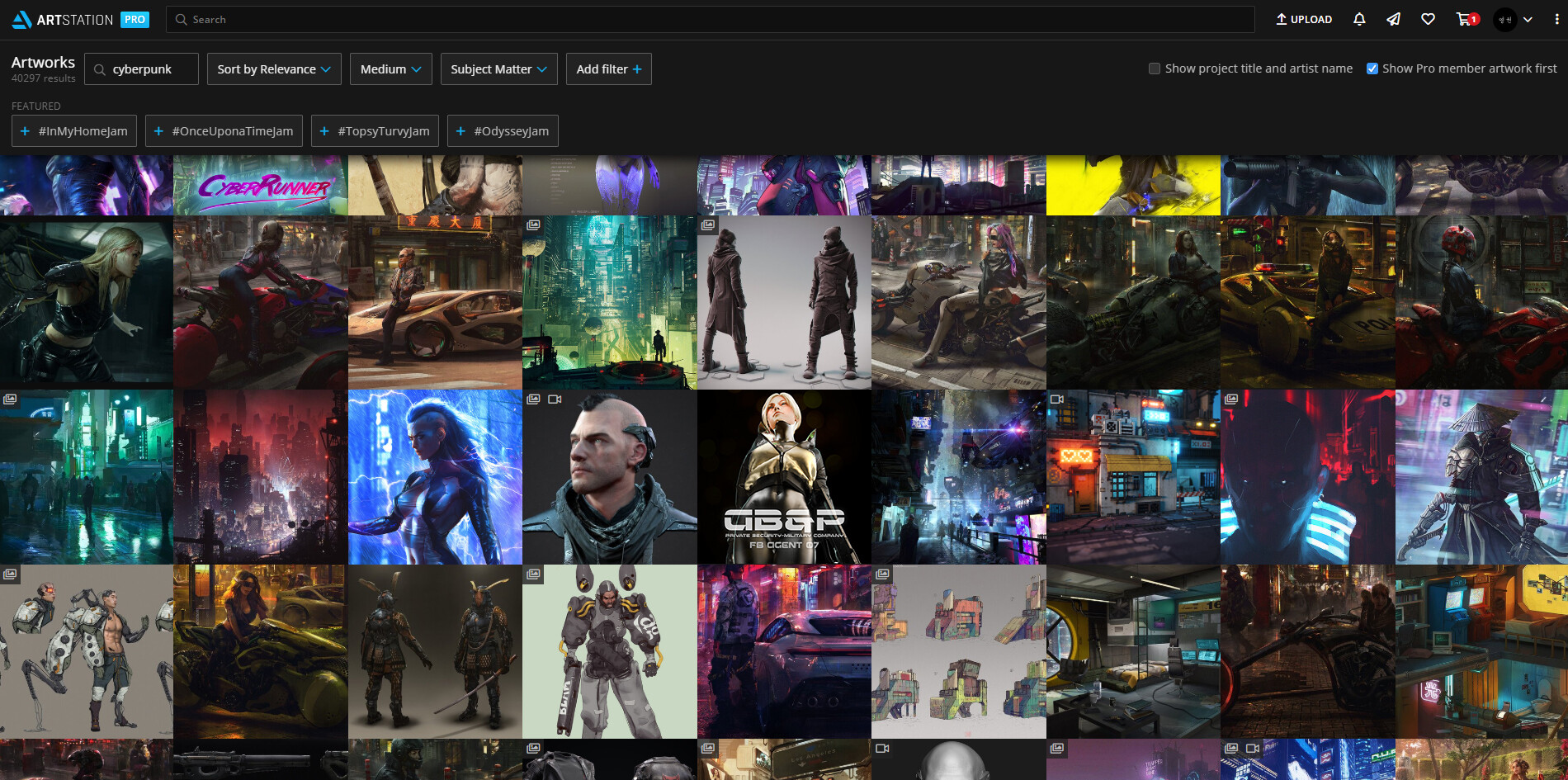
■ Go to the page of the topic you want to post, capture it, and place your thumbnail base where it can be seen.
■ The location changes depending on the timing and conditions. Can be central and left or right corner. Try placing it here and there.
■ If you have something pre-made, you can just leave it there, and using the mask function, you can check the frame of the thumbnail more easily.
■ It's a very simple process, but it's effective. It is true that it is troublesome to actually try. However, it is not as troublesome as you might think.
■ I made three versions of the thumbnail and tested them.
■ The first one looks clear but little ordinary, and the second one not bad but, It's also little ordinary. So I was able to decide that the third thumbnail was good!
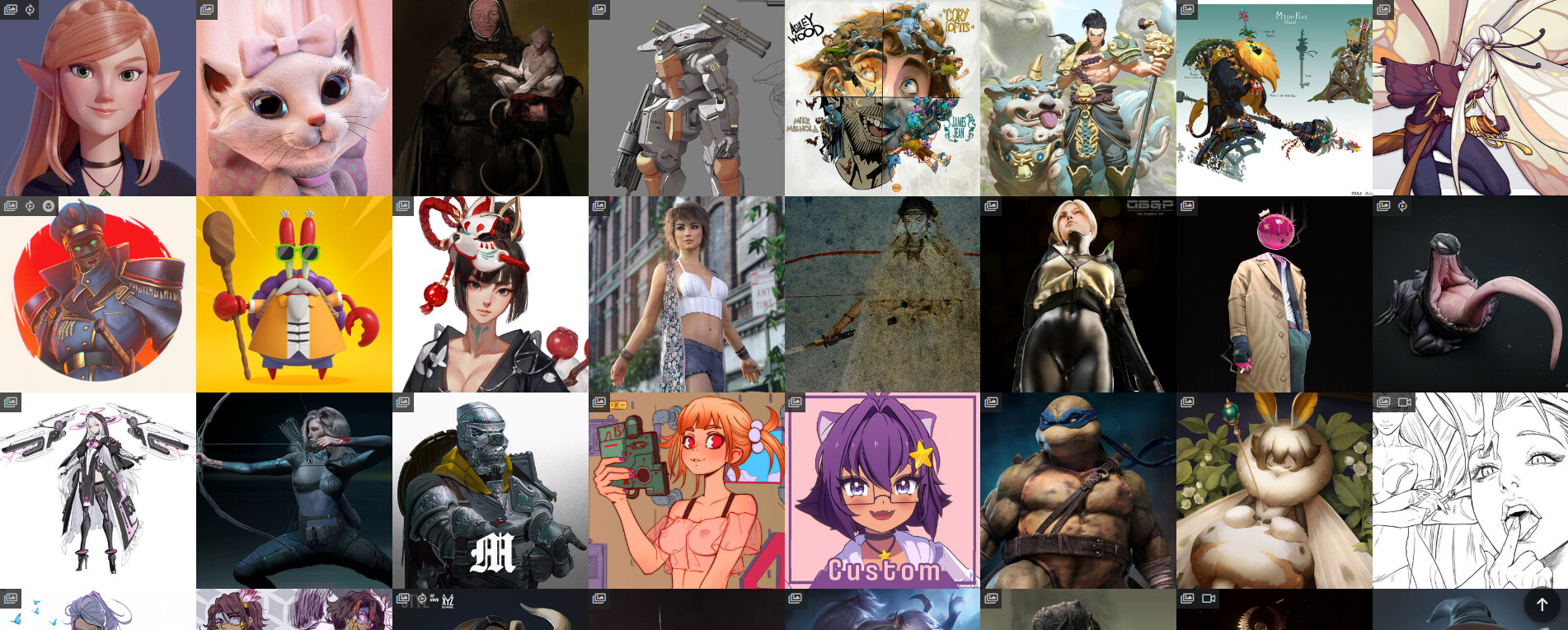
■ And you'd better be aware that there can be a small icon in the upper left corner of the thumbnail. These icons are very small, but I usually take this into account and move the center point to the slightly right. When you make a rough thumbnail at Photoshop, it's also good to take this little icon and make a plan.
■ If I had attached multiple images to the three projects below, a small icon would have obscured the logo I placed on the upper left. It's a good idea to pay attention this way to create a thumbnail.
■ You may raise your attention by adding some effects or matte painting. However, I thought my character works could be a bit provocative, so I wanted to show the whole body of the character in the thumbnail as a warning for those who avoid it.
■ When I made this thumbnail, I considered to be able to arouse curiosity by showing the back of the character. But I didn't adopt it because I thought it was a bit suggestive. I also don't want to see men's buttocks or nipples being used as thumbnails. There is a lot of controversy, But In this respect I tried to think the opposite way.

■ And the two thumbnails above are a question of whether to put the logo or not. If you put in the logo, you can deliver the information before you can even mouse over the thumbnail. If you don't have a logo, you can devote a larger area to showing the image. I chose the second image because I thought the character's tight suit was an important point. And I couldn't cover it any more with the logo because there was already a lot of space left blank.
■ And when you work on a thumbnail at a high resolution and when it's actually placed in a small size, it's very different. It's quite important to consider this. (It's obvious, but it can be overlooked.)
■ At first glance, the first thumbnail has a logo and may look good, but I actually think the second thumbnail is better because it shows more area on the small screen.
■ In fact, this image is also little erotic. Still, it's better than the butt. I thought this would be acceptable.
■ It's actually placed in the character design category. You can make a better thumbnail than this. But since I've judged myself through a series of processes, I'm somewhat relieved.
■ I think I should lighten the background color a little for increasing visibility . but I'm trying to maintain consistency as a black background thumbnail in my entire portfolio. I think it's important to decide whether the entire portfolio will always show an optimized image or a structured pattern.
To summarize core of this tutorial, Art Station doesn't have a system to preview what the thumbnail will look like, so let's use another program like Photoshop to simulate and judge. if you worried about making a thumbnail, I hope it helped a little bit.